
One of the best gifts I was ever given was the worst job at my first company. I started at the bottom, and it was my job to do the work no one else wanted; the hardest work. All of those challenging tasks made me better equipped to learn new skills, master new software, adapt to new challenges, and recalibrate my own capabilities. In overcoming the toughest obstacles, I developed the skills, strength, and confidence to take on the challenge of building an independent firm. All those opportunities to learn, overcome, and grow from challenges were gifts, and I’m forever grateful.
An endless pursuit of personal growth at any stage in life is a recipe for health and happiness. The work of learning to use tools that aid in our independence and autonomy is a task that should be embraced. My job is to tell you the truth, so here it is: You need to keep up with modern technology, regardless of how challenging it may be.
At any age, but especially as you age, there’s nothing better for your brain’s health than letting it struggle to learn new things. Similarly, maintaining your independence by navigating complex tasks on your own is also beneficial for your self-confidence. Just like your arm muscles can be trained to lift heavy weights, your brain can be trained to complete difficult tasks. If you train your brain to give up when a task is too difficult, it will develop that habit. If you train your brain to believe that it can accomplish anything by persevering, it will continue that pattern.
Oprah Winfrey taught me my favorite proverb: You get out what you put in. Here is a list of apps and programs you should learn if you don’t already have them in your repertoire.
YouTube:
In the age of information, everyone is learning anything they need to know on YouTube. There is no limit to what’s available. How to speak French, how to use new software, how to change your oil, or how to make crème Brulé. If there’s anything you don’t know how to do or need to learn, watch YouTube videos on it. If one video isn’t great, try another and then another until the information is as clear as day.
Adobe Scan:
Download Adobe Scan on your smartphone and discover how to use it effectively. Use your phone to scan important documents and convert them to PDFs. You can then email the PDFs right from your phone, or you can log in to your same Adobe Scan account on your personal computer to access those PDFs you created. Organize the digital copies on your computer into files and store them on an external hard drive or secure cloud storage. If any of this is unclear, consider watching YouTube videos on how to perform these tasks. Continue watching more YouTube videos on it until everything becomes clear.
DocuSign:
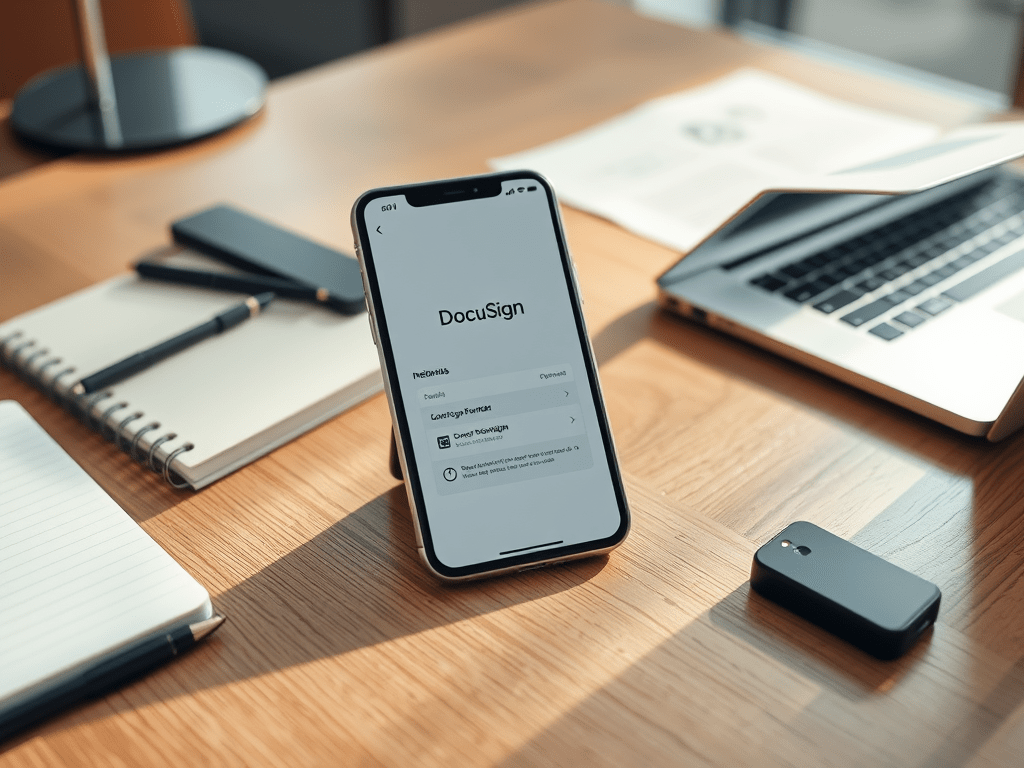
If you aren’t experienced in using DocuSign, it’s time to learn. Ask your advisor to send you a fake test document to sign electronically. It can be a blank Word document to practice on, simply stating, “This is a meaningless test document. Please sign here.”
Venmo:
Venmo is the way to pay the kid who mows your lawn, your friend who sold you their used stationary bike, a house cleaner, your grandchild’s chess instructor, or anyone you need to send money to securely. Download the app on your phone, connect with a friend or family member, and send them $5.00. Then ask them to send you $5.00 back. Now you’ll know how to send or receive cash from anyone quickly and safely.
Uber:
Download Uber on your phone and learn to use it. Watch YouTube videos on how it works. Have a friend or family member join you on your first Uber ride to a nearby location. Get dropped off, have a cup of coffee, or browse the bookstore together, then book a new Uber ride back home. Now you’ll have the confidence and freedom to be safely driven anywhere when you don’t feel like driving. I don’t enjoy driving at night, in the rain, when I’m tired. I’m perfectly capable of it, but I prefer the luxury of being driven so I can relax in the back seat. Uber can provide freedom, power, and comfort when you need it.
Whatever you do, don’t ever let your brain give up. Don’t ever believe you can’t do it. Start with these apps, and I’ll post about additional technologies to master as they become available. If you have a family member who isn’t reading this, but needs to, please share it with them. If you’re one of my clients and would like some help with any of these issues without judgment, please don’t hesitate to call me anytime.


 Northshore Wealth Management